You’re checking Android’s notification history all wrong
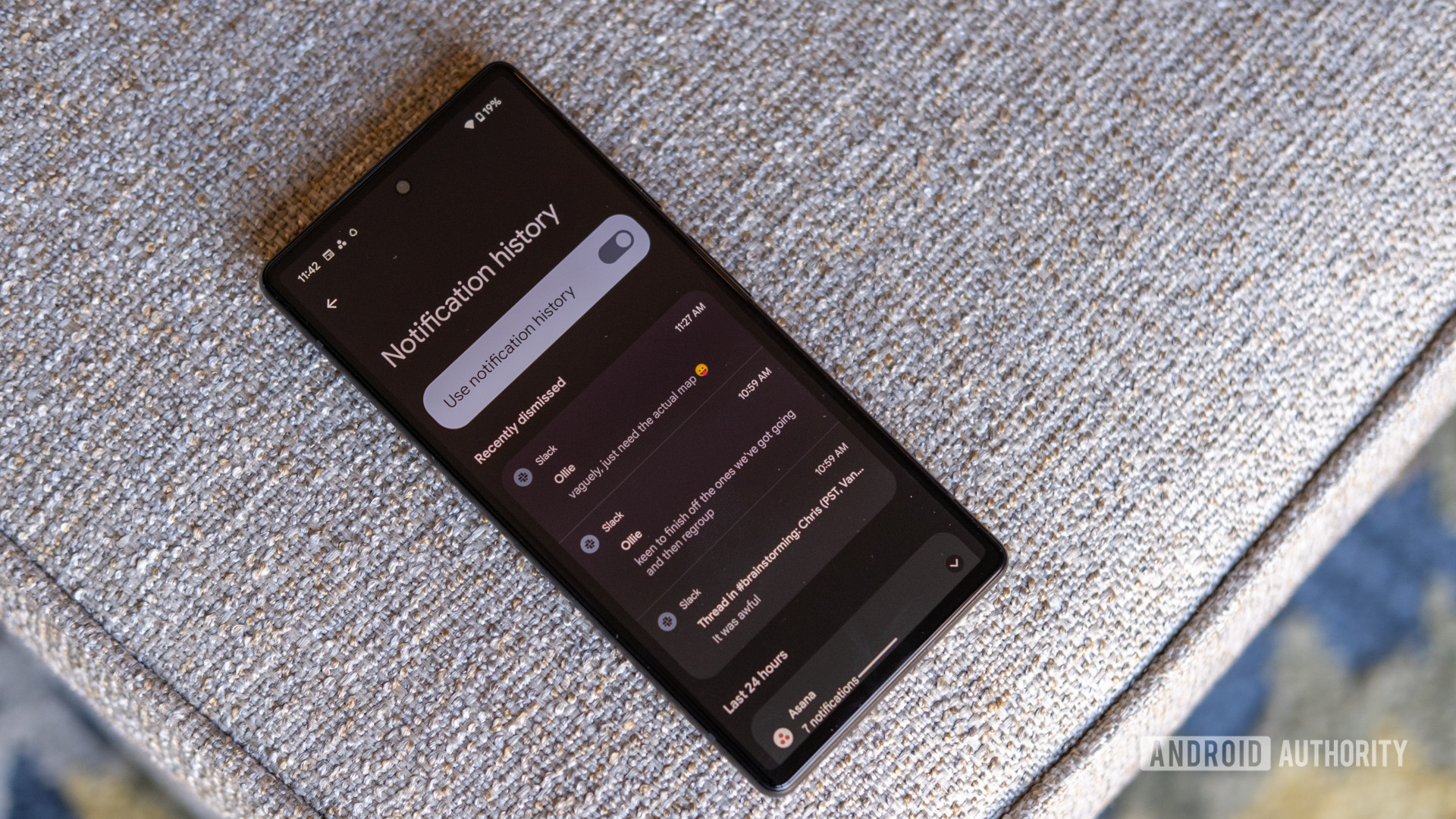
The article explains a useful Android shortcut for accessing the notification history page, where users can view recently dismissed and snoozed notifications. The standard method involves opening Settings and navigating to Notifications, then Notification History. However, users can reach the same page more quickly by tapping the 'You're all caught up' message in the notification shade. The feature requires notification history to be enabled in settings.
Key points
- Tap 'You're all caught up' in the notification shade for faster access to notification history.
- Standard method requires Settings > Notifications > Notification History.
- Notification history must be enabled to view old alerts.
Summary and key points written by AI from the headline and a short excerpt, so they can be incomplete or wrong. Android Authority did the reporting; read the original for the full story.
Read the full story at Android Authority