How to Take Screenshot on Laptop: 7 Different Ways to Take a Screenshot in Windows 11
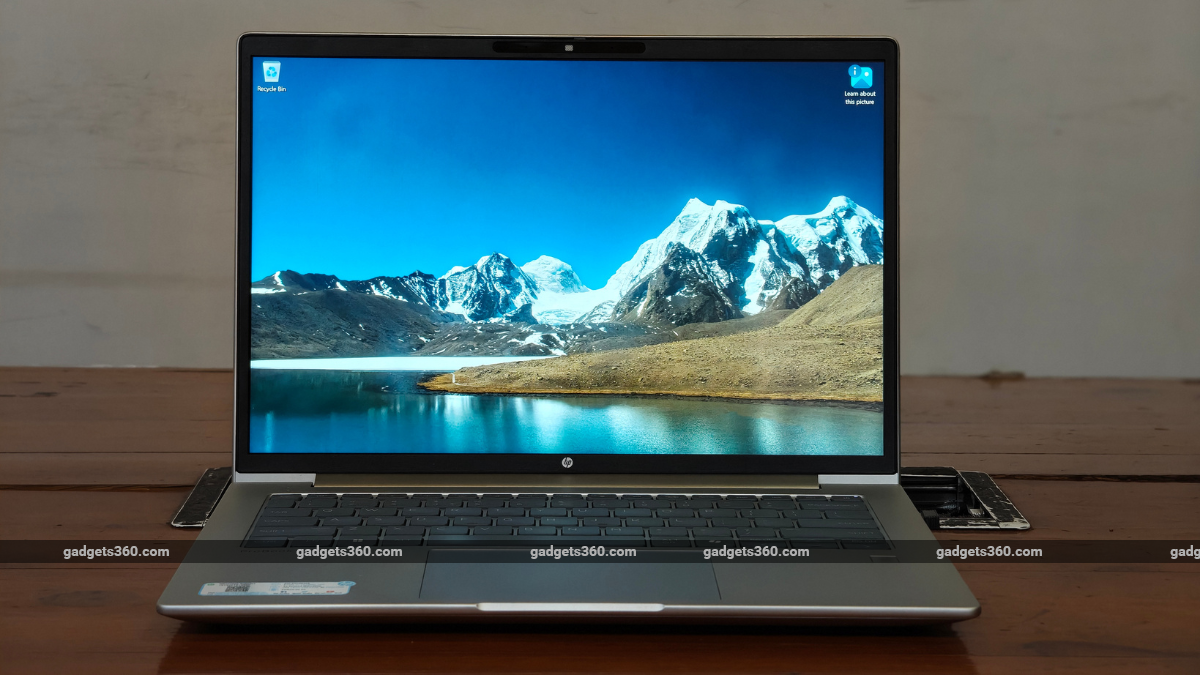
The guide explains how to use the built-in Snipping Tool via the Start menu or the Windows Key + Shift + S shortcut. It covers features such as screen recording, partial screenshots, and basic annotation tools.
Key points
- Highlights the Snipping Tool for screenshots and screen recording.
- Provides the keyboard shortcut Windows Key + Shift + S for quick access.
- Explains that captures are saved in the device's Pictures folder.
Summary and key points written by AI from the headline and a short excerpt, so they can be incomplete or wrong. Gadgets 360 did the reporting; read the original for the full story.
Read the full story at Gadgets 360